👁️ Ganz Integration
Integrating Ganz devices with GCXONE ensures that edge-based intelligence (Line Crossing, Intrusion) is accurately captured in the cloud. This integration relies on the ONVIF protocol for discovery and event handling.
📋 Prerequisites
- Ganz IP Camera/NVR: Accessible on the local network.
- ONVIF Service: Enabled within the Ganz device settings.
- NTP Synchronization: Crucial for matching alarm timestamps with the GCXONE buffer.
🚦 Device Profile
| Feature | Support Level | Notes |
|---|---|---|
| Protocol | ONVIF | Standard cross-platform interface. |
| Smart Events | ✅ Supported | Line Crossing, Intrusion, Tampering. |
| Compression | H.264 / H.265 | Optimized for low-bandwidth environments. |
| Discovery | Automatic | Discover sensors via ONVIF metadata. |
🛠️ Configuration Steps
- 1
1. Accurate Timekeeping
- 2
Navigate to Time Settings in the Ganz web UI.
- 3
- Set the correct Timezone.
- Enable NTP and use
pool.ntp.orgortime1.nxgen.cloud. -
Without precise time sync, events may appear in the past or be discarded by the GCXONE firewall.
- 4
2. Activate Smart Analytics
- 5
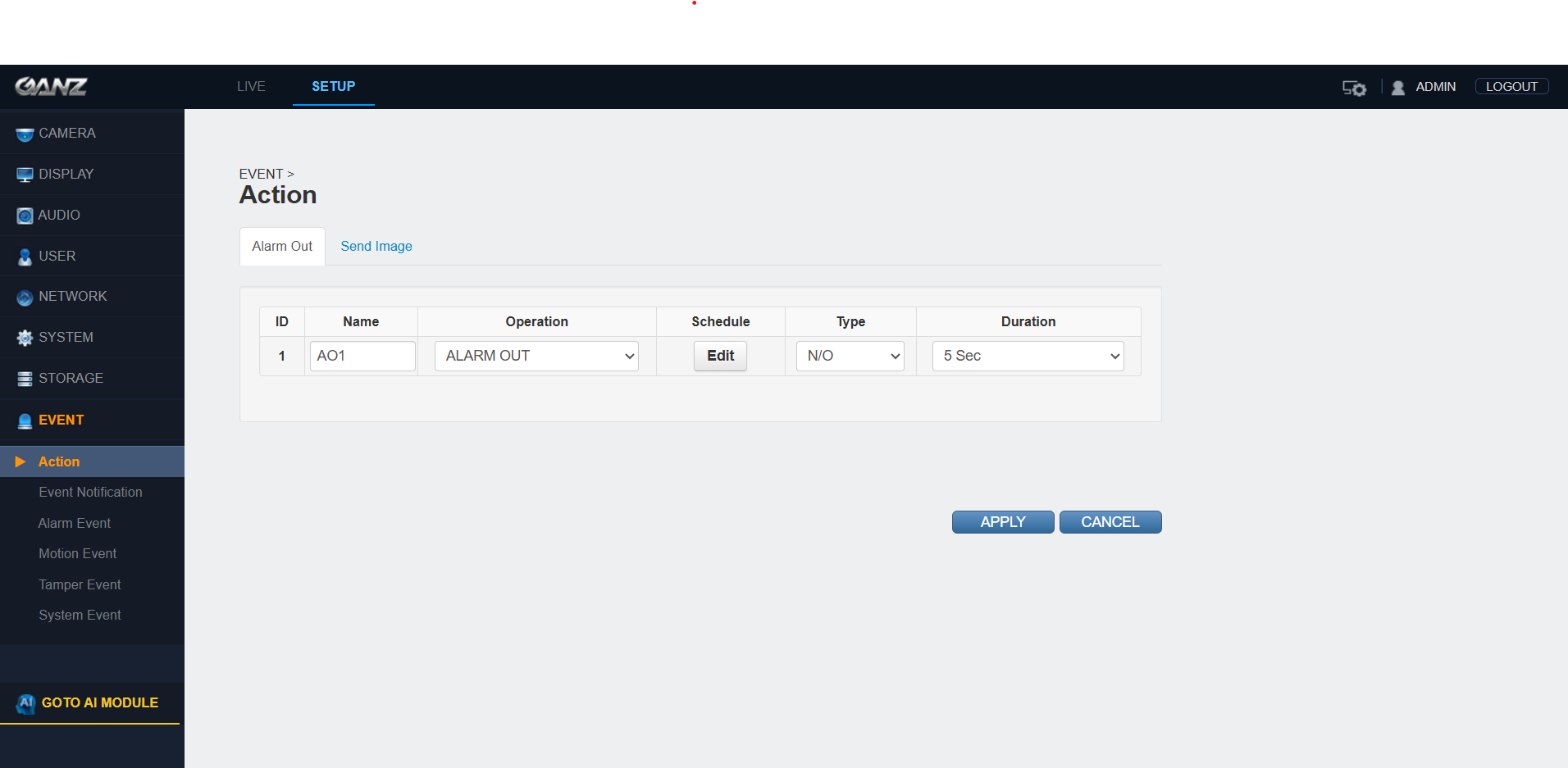
Navigate to Alarm/Event Settings.
- 6
- Configure your detection zones (Line Crossing or Intrusion).
- Set the Sensitivity and Threshold to suit the environment.
- Important: Enable the "ONVIF Event Push" or "Log Report" if available to ensure the device sends signals externally.
- 7
- 8
3. Stream Optimization
- 9
Navigate to Live View/Stream Settings.
- 10
- Configure the Main Stream for recording.
- Configure the Sub-Stream (CIF/D1) for live monitoring.
- Ensure ONVIF is toggled to Enabled.
- 11
4. Final Discovery in GCXONE
- 12
- Log in to GCXONE → Sites → Devices.
- Click Add Device and select GanzAI.
- Enter the device IP, Port (usually 80 or 8080 for ONVIF), and credentials.
- Click Discover. GCXONE will pull in all analytic channels as virtual sensors.
💡 Troubleshooting
- Sensors Not Appearing: Ensure the ONVIF user has "Administrator" or "Operator" level privileges. Some Ganz firmware restricts ONVIF discovery to admin accounts.
- No Video Stream: Verify that the RTSP Port (554) is open and reachable from the GCXONE gateway if using a public IP.
- Missed Detections: Check the "Detection Region" in the Ganz UI. Ensure the red "Activity" indicator triggers when you walk through the zone.