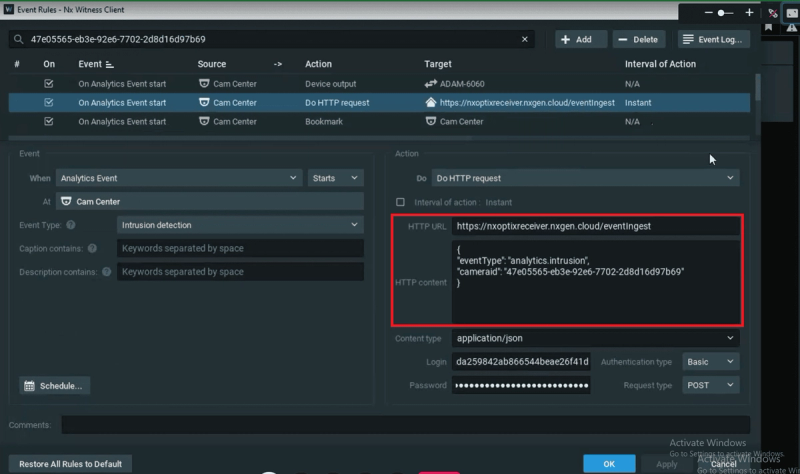
Hanwha Device
Introduction
This guide describes the steps required to configure a Hanwha device for integration with the GCX-ONE platform. It covers device onboarding and webhook configuration for event routing.
Hanwha Config Guide with GCX-ONE
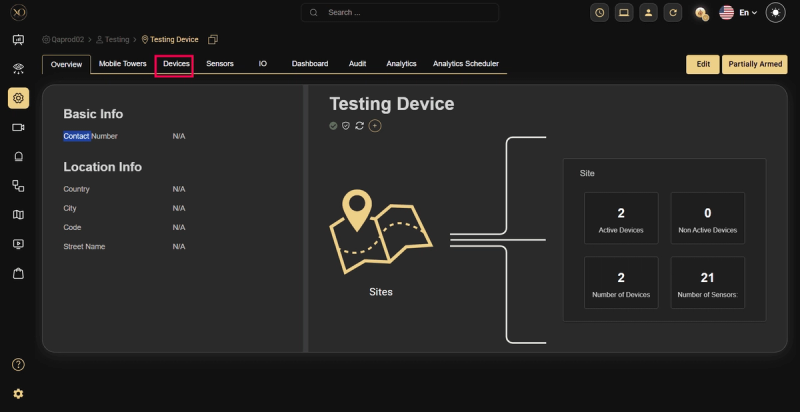
Step 1: Navigate to the Devices tab.
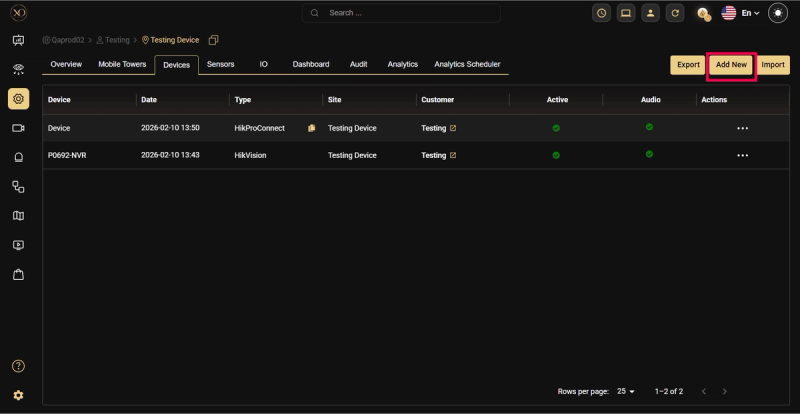
Step 2: Click the Add button.
Step 3: The Add Device dialog will be displayed.
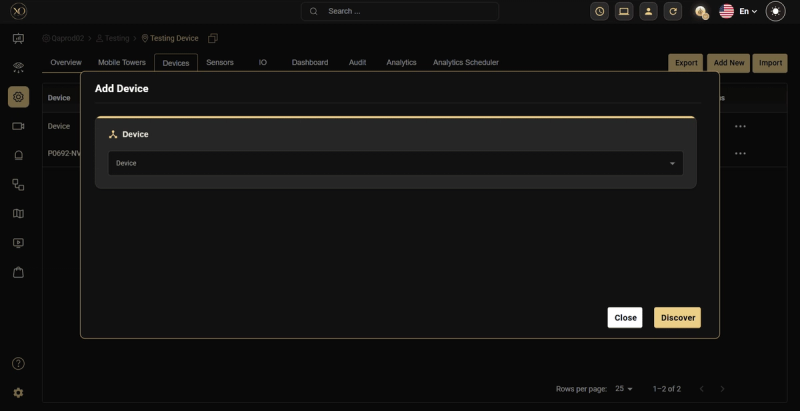
Step 4: In the dialog, open the Device dropdown and select Hanwha.
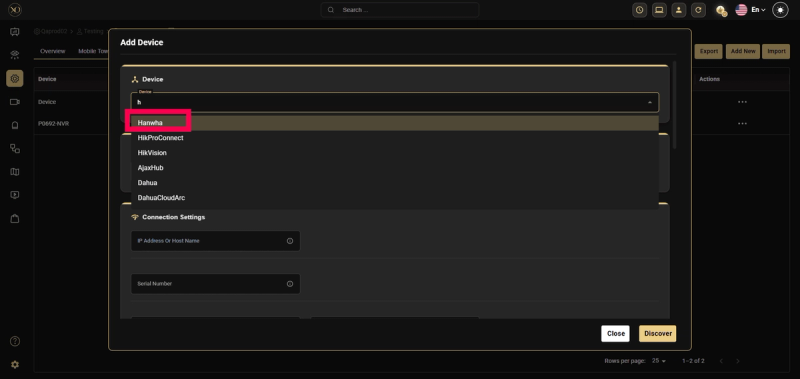
Step 5: Enter all required fields: IP Address or Host, Username, Password, RTSP Port, HTTPS Port.
Note: The HTTPS Port field is mandatory when adding a Hanwha device.
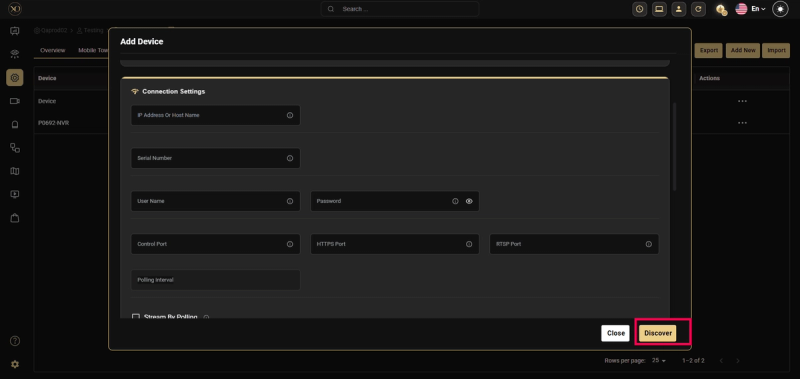
Step 6: Click Discover.
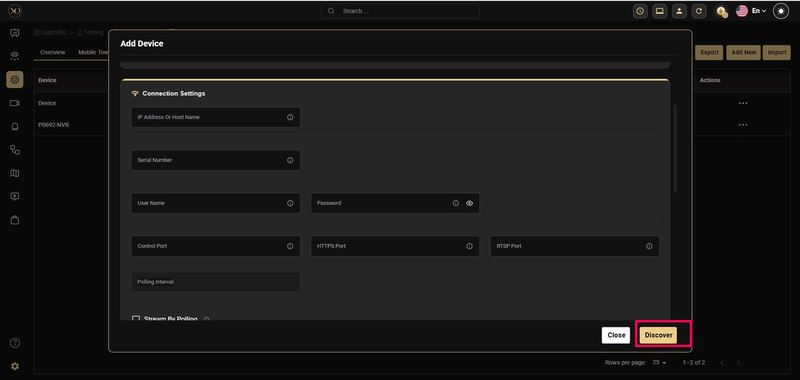
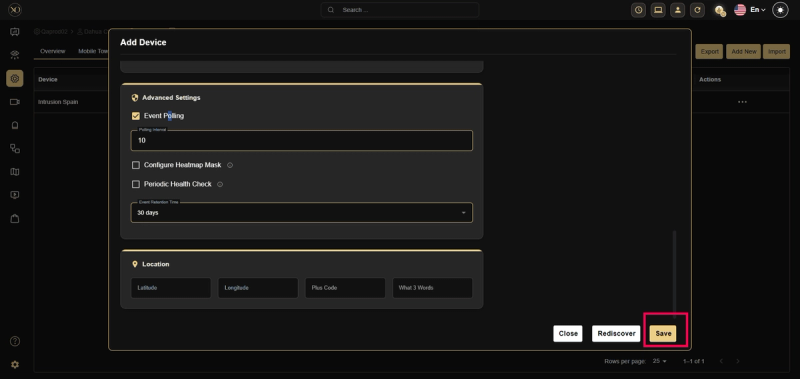
Step 7: Once the device is successfully discovered, click Save.
Webhook Configuration for Hanwha Device
This section describes how to verify webhook configuration for event routing in Hanwha devices.
Step 1: Log in to the Hanwha device web client.
Step 2: Select the required Sensor from the sidebar.
Step 3: Right-click the sensor and select Camera Changes.
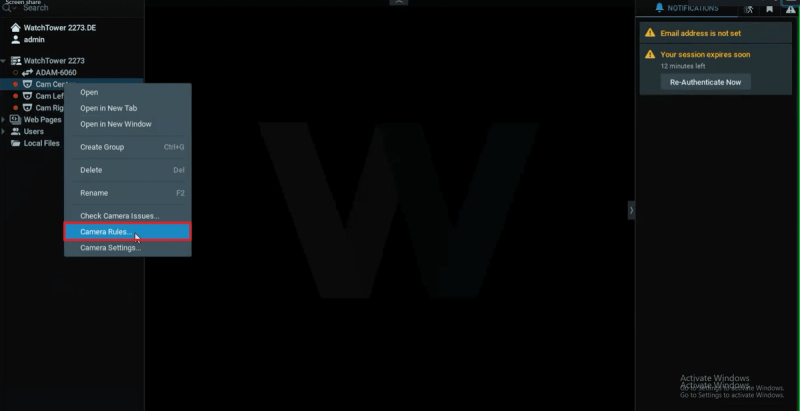
Step 4: From the event rule list, click Do HTTPS Request.
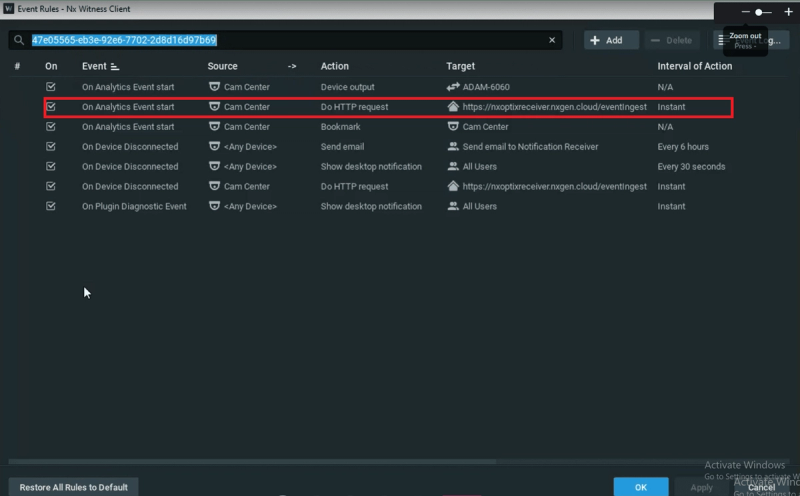
Step 5: Verify the configured HTTP URL and HTTP Content.